
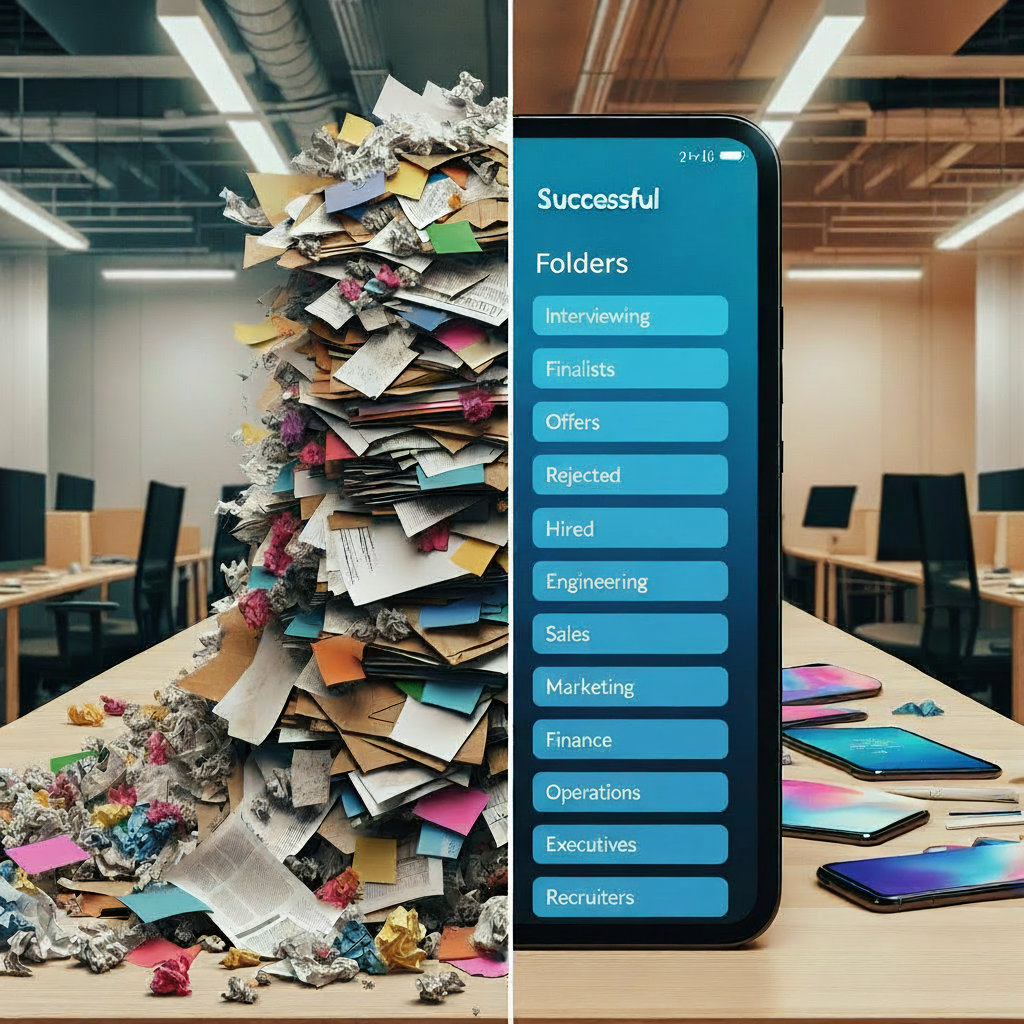
A SharePoint intranet in a box Australia gives your team a ready-to-deploy digital workplace — and that matters now more than ever. Eight in ten Australian SMEs are still relying on manual processes for documents and approvals as of 2025 — creating data entry errors, compliance gaps, and frustrated staff (OFX/IPSOS, October 2025). In 2026, with hybrid work firmly the norm, that is no longer sustainable. Your people need a single, secure, searchable hub for company information — not files scattered across email threads, personal drives, and Teams chats.
In this guide, we break down exactly what a SharePoint intranet in a box is, how it differs from a custom build, what it includes out of the box, and how Australian SMEs can deploy one in weeks rather than months.
What Is a SharePoint Intranet in a Box?
A SharePoint intranet in a box is a pre-built, customisable intranet solution built on Microsoft SharePoint Online. Rather than designing everything from scratch, you start with a structured framework — a proven set of templates, site designs, navigation, and document libraries — that a consultant then configures to your organisation’s specific needs.
Out of the box, it typically includes:
- A branded homepage with news, announcements, and quick links
- Department and team sites (HR, Finance, Operations, IT, etc.)
- Document libraries with version control and approval workflows
- A staff directory and org chart
- A company news and communications hub
- Targeted search across all sites and documents
- Microsoft Teams and OneDrive integration
- Policy and procedure pages with access controls
Importantly, it is not a product you purchase off a shelf. It is a deployment methodology — a fast path to a working intranet that is configured around your business processes, not a generic template left for you to figure out. And because SharePoint Online is included in most Microsoft 365 Business and Enterprise plans, there is no additional platform licensing required (Evocate, 2025).
Why Australian SMEs Are Turning to SharePoint Intranets in 2026
The drivers are straightforward. Most SMEs we work with come to us with the same three problems.
Scattered documents and no single source of truth. Policies live in someone’s email. Procedures are in a shared drive that half the team can’t access. The latest version of a template is anyone’s guess. This creates risk — especially when you are subject to audit or need to demonstrate compliance.
Growing compliance obligations. Australian privacy law reforms, industry-specific regulations, and increased scrutiny around records retention are raising the bar for every organisation. You need to be able to prove that staff accessed the right version of a document, that approvals were recorded, and that sensitive data is properly protected.
Hybrid and remote work is permanent. Your staff need to access company information from the office, home, a client site, or a mobile device. A well-structured SharePoint intranet delivers that without requiring VPNs, file server maintenance, or shared drive chaos.
The data backs this up. According to SWOOP Analytics’ 2025 SharePoint Intranet Benchmarking Report — the world’s largest study of SharePoint Online intranets, covering 238,000 intranet visitors across 28 organisations — 93% of employees now actively access their intranet over a three-month period, up from 86% in 2024. Intranet adoption is accelerating, not declining.
The global intranet services market reinforces the trend, projected to grow from USD $19.65 billion in 2025 to USD $63.25 billion by 2035 at a 12.4% CAGR, driven by demand for secure collaboration and hybrid work enablement (Market Research Future, 2025).
What Is Included — and What Still Needs Configuring
Understanding the difference between what comes ready to go and what requires customisation will save you from surprises during a deployment.
What is typically ready quickly: branded homepage, department sites, document libraries, company news, staff directory, Teams integration, search, and basic access controls.
What requires your input and configuration: automated approval workflows (built using Power Automate), records retention schedules aligned to your specific compliance obligations, role-based permissions mapped to your organisational structure, and integration with third-party systems such as your HR platform or CRM.
To make this concrete: a Melbourne-based professional services firm with 60 staff recently replaced their on-premise file server and email-based policy distribution with a CSIT-deployed SharePoint intranet. Within seven weeks, all staff had instant access to current policies, templates, onboarding documents, and team sites — from any device, anywhere. Support calls related to document access dropped significantly within the first month.
The intranet in a box approach does not mean one-size-fits-all. It means a proven starting point that gets you live fast, then grows with you.
Intranet in a Box vs Custom-Built SharePoint: Which Is Right for You?
This is the most common question we get. Here is the honest answer.
| Intranet in a Box | Custom Build | |
|---|---|---|
| Deployment time | 6–10 weeks | 3–6 months |
| Cost | Lower, predictable | Higher, variable |
| Flexibility | High within the framework | Maximum |
| Internal resource demand | Low | High |
| Risk | Lower | Higher |
| Best for | SMEs and mid-sized orgs | Large enterprise with unique needs |
A pre-built SharePoint intranet approach can save three or more months of internal development time compared to a custom build — and delivers better adoption because it follows proven design patterns that employees recognise (SharePoint Designs, 2025).
Ask yourself these four questions before deciding:
- Do we have in-house SharePoint developers available for a 3–6 month build?
- Can we afford to wait that long before going live?
- Who will own long-term updates, patching, and governance?
- Are our requirements genuinely unique enough to justify a full custom approach?
If you answered no to any of these, a pre-built approach with the right partner is almost certainly the better path.
How CSIT Deploys a SharePoint Intranet in a Box
Our approach follows five clear phases — no surprises, no open-ended timelines.
1. Discovery. We review your existing business processes, pain points, compliance requirements, and user needs. We do not build anything until we understand what you actually need.
2. Design. We configure your department sites, information architecture, navigation, and permissions based on the discovery. You see a working prototype before deployment begins.
3. Deploy. We migrate your existing documents, configure document libraries, set up Teams integration, apply your branding, and establish your retention policies.
4. Train and adopt. We train your employees in plain language — no technical jargon. We also provide adoption strategies to ensure your investment actually gets used. This step is non-negotiable: SWOOP Analytics’ 2025 benchmarking data shows employees spend less than six minutes per day on their intranet on average. Content must be easy to find, current, and well-structured, or people will stop using it.
5. Support. Ongoing 24/7/365 helpdesk, maintenance, patching, and data-driven optimisation. We use analytics to identify what is working and what is not, and we tune the intranet over time.
Clients who move to CSIT for their managed IT see an average 87% reduction in IT incidents within three months of deployment. That includes a measurable drop in document-related support requests — one of the most common and avoidable help desk time-wasters in any organisation.
Frequently Asked Questions
Do we need a separate SharePoint licence?
No. SharePoint Online is included in most Microsoft 365 Business Basic, Business Standard, and Enterprise plans. You are likely already paying for it.
How long does deployment actually take?
Most Australian SMEs can go live with a core SharePoint intranet in six to ten weeks with the right implementation partner. The timeline depends on the size of your document migration and the complexity of your workflows.
Can we customise it after launch?
Yes — and you should expect to. The intranet is designed to grow with your organisation. New sites, Power Automate workflows, integrations, and additional libraries can be added at any stage without disrupting what is already live.
What happens if staff do not adopt it?
This is a real risk and the main reason intranet projects fail. Adoption requires training, a governance plan, and at least one internal champion per department. Our deployment process includes both — and we track engagement analytics post-launch to identify where adoption is lagging.
The Bottom Line
A SharePoint intranet in a box gives Australian SMEs a fast, cost-effective, secure way to centralise documents, internal communications, and compliance — without the cost, timeline, or risk of a custom build. It runs on infrastructure you are already paying for through your Microsoft 365 subscription, and it can be live in a matter of weeks.
The risk of doing nothing is not neutral. Manual processes, scattered files, and ungoverned document libraries create compliance exposure that grows every month you delay.
If you want to see what a SharePoint intranet looks like for your specific organisation, talk to the Cloud Solution IT team. We offer a no-obligation discovery session to review your current document and collaboration setup and design a solution that fits your business. Explore our SharePoint consulting services for Australian businesses and get in touch today.
Add Your Heading Text Here
Lorem ipsum dolor sit amet, consectetur adipiscing elit. Ut elit tellus, luctus nec ullamcorper mattis, pulvinar dapibus leo.
